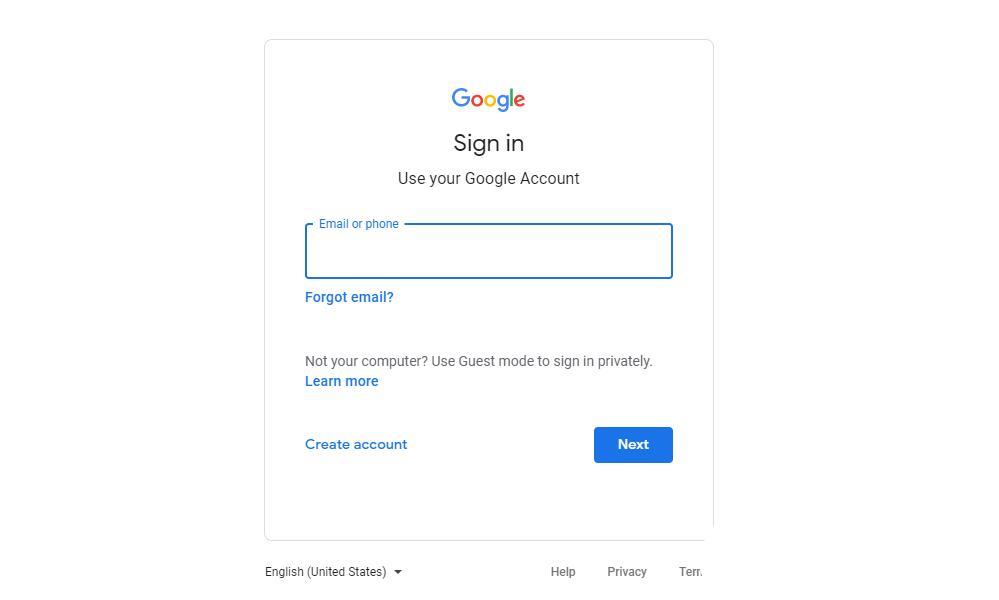
1、打开谷歌登陆地址:https://accounts.google.com/ ,输入你的账号和密码登录
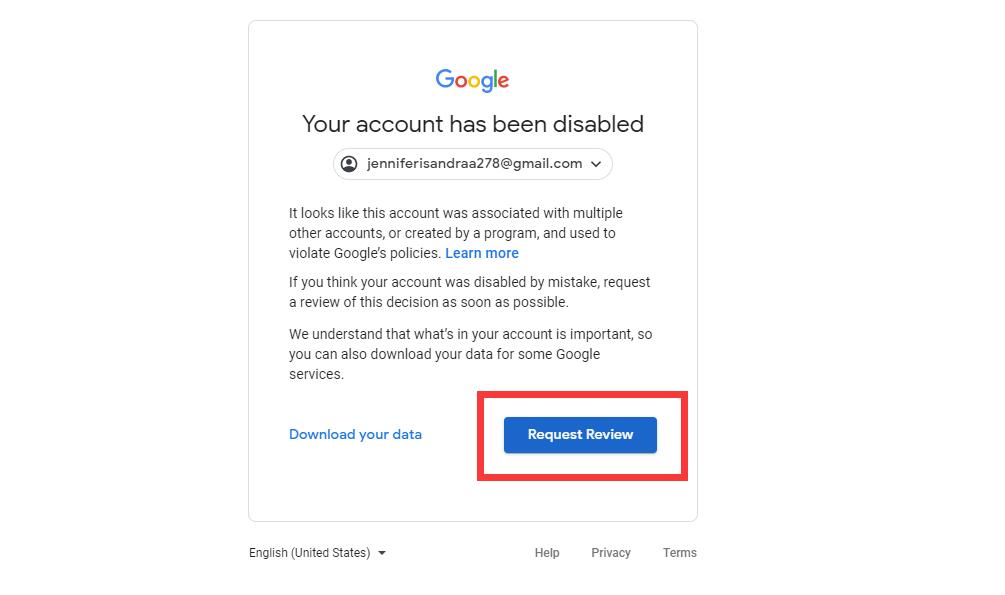
2、在提醒被封禁的页面,选择“Request Review”按钮提交申诉;如下图:
3、在申诉联系你的地址输入接受通知的邮箱,是否会成功会通过你输入的邮箱给你发送邮件提醒。
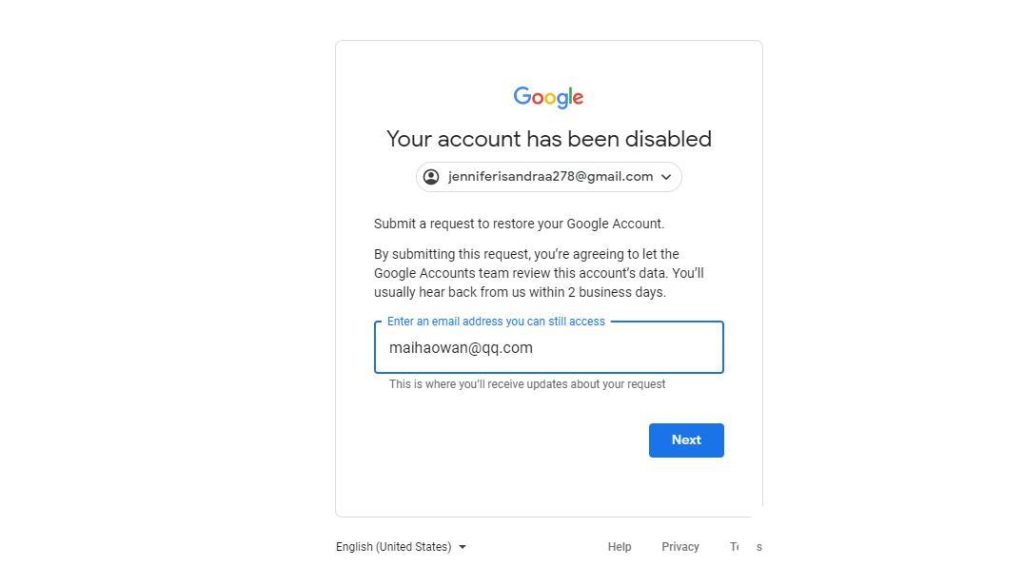
4、最关键一步输入你的申诉理由。我给大家一个范本
I am a user in China, and I can only access Google Play through the proxy app (XSpace) because my device does not have the GMS environment and Internet connection. I really need Google Play and those apps which depend on GMS. I am sure that I have not done anything that may violate Google’s policy and could you please resume my account? Thanks a lot!
最后等待谷歌回信这可能要一段时间默默等待吧
购买独享邮箱:小皮商店


